
 Last updated: October 5, 2026
6 min read


 Last updated: October 5, 2026
6 min read

Apple’s newest iPhones have barely arrived, yet an early fix targets something as routine as unlocking an app. iOS 27.0.1 addresses a Face ID failure that could freeze some iPhone 18 Pro models before restarting them.
The problem was disruptive because Face ID protects sensitive tasks, including Passwords, private Safari tabs, and locked apps. A failed scan could lead to another authentication attempt, followed by freezing and an unplanned reboot.
Apple released iOS 27.0.1 on September 28, 2026, making it the first point update for iOS 27. The release also fixes a camera color artifact and a broader touchscreen freeze involving Notification Center and Control Center.
On affected iPhone 18 Pro and Pro Max devices, a failed Face ID authentication could produce an unusual chain of events. After tapping “Try Face ID Again,” the phone could become unresponsive for several seconds before restarting without warning.
Apple’s release notes specifically identify the two Pro models as devices that may unexpectedly restart when Face ID fails. Reports from ZDNet and other outlets describe similar behavior while users attempted to unlock protected content.
For people using Face ID often, the failure could feel random because the authentication scan itself appeared to trigger it. That made the restart harder to distinguish from a broader hardware problem.

Apple has not publicly identified the root cause of the Face ID restart bug. The iPhone 18 Pro and Pro Max introduce a redesigned Face ID arrangement that places the infrared camera beneath the display near the top-left corner.
Earlier iPhone models kept that component within the Dynamic Island area. Some users and reviewers have also noticed a brief white line near the time during Face ID authentication on the new Pro models.
The timing raised questions about whether the new hardware arrangement was related to the problem, but Apple has not established that connection. The company resolved the documented restart issue through iOS 27.0.1.
Apple’s release notes say the update resolves unexpected restarts on iPhone 18 Pro and Pro Max when Face ID fails. That makes iOS 27.0.1 the direct software remedy Apple has provided for the documented failure.
After installing the update, failed authentication should no longer trigger the freeze-and-restart behavior addressed by Apple. Users can instead retry Face ID or use their passcode normally.
The fix is narrowly targeted, but its practical effect is broad for affected owners. Face ID protects many everyday workflows, including access to passwords and other sensitive information.
Little-known fact: Some owners swapped their iPhone 18 Pro at Apple Stores over the reboot bug, but Apple says it was purely software.
iOS 27.0.1 also addresses a camera issue affecting a small number of iPhone 18 Pro and Pro Max devices. Apple says a color artifact could appear in photos captured at 2x under certain lighting conditions at f/1.48.
Apple has not publicly identified the technical cause of the artifact. The company included the correction in iOS 27.0.1, allowing affected owners to address the issue through a software update.
For users who noticed unusual colors in those specific shooting conditions, the update provides Apple’s documented fix without requiring any additional troubleshooting steps.
A separate problem reaches beyond the newest Pro models. On iOS 27, opening Notification Center and Control Center together could leave the touchscreen temporarily unresponsive during daily use.
The problem could occur when users quickly swiped down from different screen areas and triggered both panels. Apple’s correction restores expected touch responsiveness when the two interfaces are invoked together.
That makes this fix relevant to older supported iPhones that never experienced the Face ID restart problem. It also removes another interruption from routine navigation across the iOS 27 lineup.
Little-known fact: With Siri AI switched on, iOS 27 moves Notification Center to the top-left corner; a top-center swipe now opens Siri.
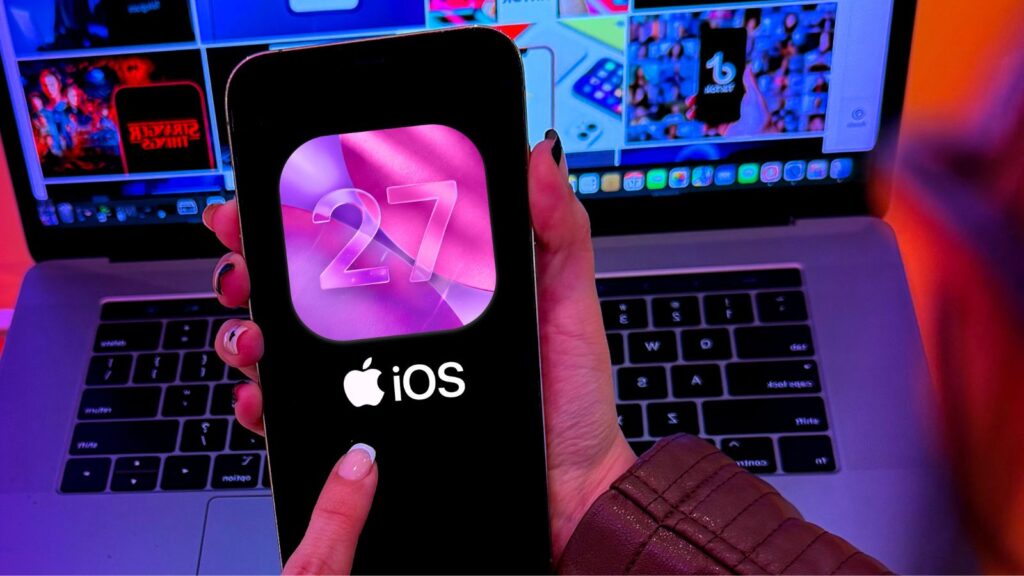
iOS 27.0.1 is available across the iOS 27-compatible lineup, including iPhone 11 and newer models as well as iPhone SE models from the second generation onward. The update therefore reaches a much larger audience than the specific devices named in its prominent fixes.
For iPhone 18 Pro and Pro Max owners, the Face ID fix matters most when unexpected reboots occur during authentication. The camera correction provides another reason to update when unusual 2x photo colors have appeared.
Other supported iPhones also receive the touchscreen reliability fix. Because this release focuses on bug corrections rather than major new features, its main value is improved everyday stability.
Installing the update requires opening Settings, selecting General, and then choosing Software Update. When iOS 27.0.1 appears, users can select Download and Install or the update option shown.
The phone may need to restart as part of the installation, which is normal for an operating system update. Keeping the iPhone connected to power and ensuring sufficient free storage can help installation proceed smoothly.
Owners who experienced Face ID restarts should install the update rather than wait for a later feature release. The documented issue affects routine security and authentication tasks, making reliability especially important for affected devices.
iOS 27 introduced expanded Apple Intelligence and Siri capabilities, additional parental controls, and performance improvements. Early point releases often address problems that become visible only after new software reaches a large installed base.
That pattern is familiar with major operating system launches. New software can meet hardware combinations and usage patterns that were difficult to reproduce earlier. iOS 27 launched roughly two weeks before 27.0.1. That gave Apple a short window to address issues after iPhone 18 reached customers.
Apple also issued 27.0.1 updates for iPadOS, macOS and visionOS, with notes describing them generally as bug fixes. For iPhone owners, the detailed corrections make this release focused on everyday reliability.
Little-known fact: watchOS 27.0.1 arrived days earlier, fixing similar random restarts on Apple Watch Series 12 and Ultra 4.
This article was made with AI assistance and human editing.
If you liked this, you might also like:


We appreciate you taking the time to share your feedback about this page with us.
Whether it's praise for something good, or ideas to improve something that
isn't quite right, we're excited to hear from you.
